

Live Incidence Response
corporate drone ops · emergency response · real-time collaboration
A situation room that assembles itself in 30s.
When every second matters, information can't stay with the drone operator. It has to reach the people making decisions inside offices and on the ground. I designed Live Incident Response to bridge that gap—then built and shipped it, end to end, with AI.
I didn't hand a spec to engineers. I planned the constraints, designed the flows, wrote the React, and shipped it. The gap between intent and product was zero because there was no handoff.
“Drones are operational infrastructure now.”
FlytBase is an enterprise platform that enables organizations to deploy, manage, and automate fleets of autonomous drones at scale. From remote inspections to emergency response, it acts as the software layer that connects drones, docks, operators, and the people making decisions on the ground.
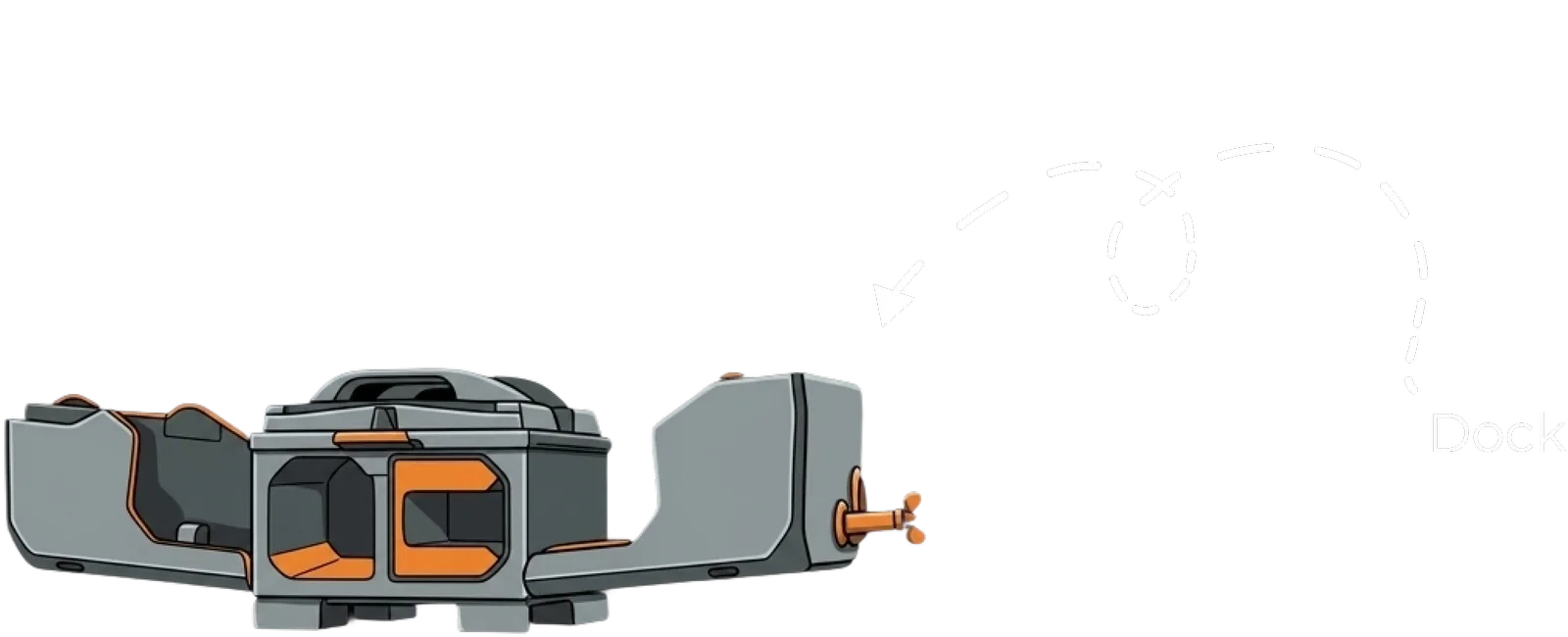
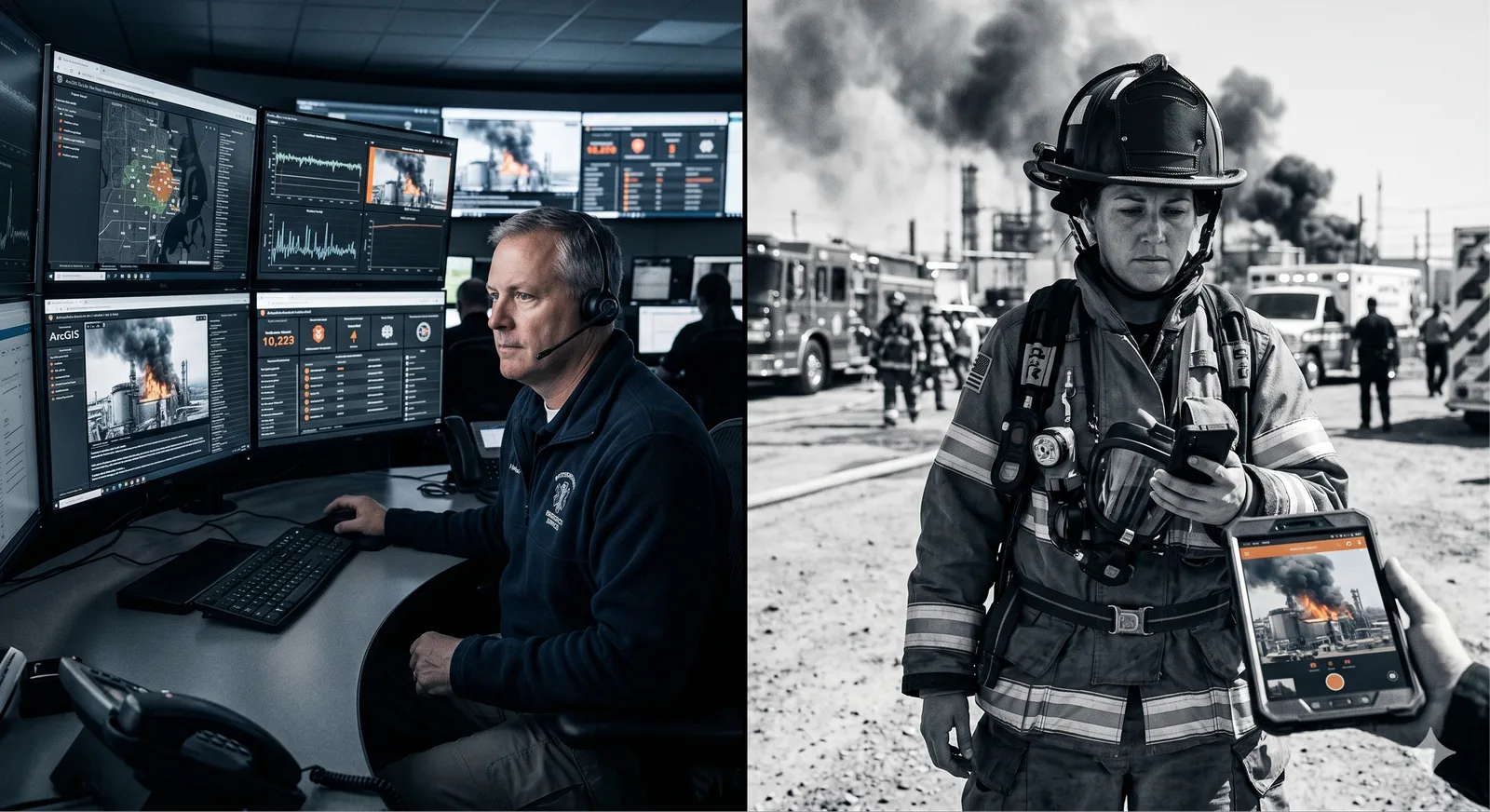
A warehouse catches fire. The drone-in-a-box on the roof launches automatically and starts streaming thermal and visual feeds. The intelligence is already in the air — where the fire is hottest, whether anyone's inside, where to position the ladder truck.
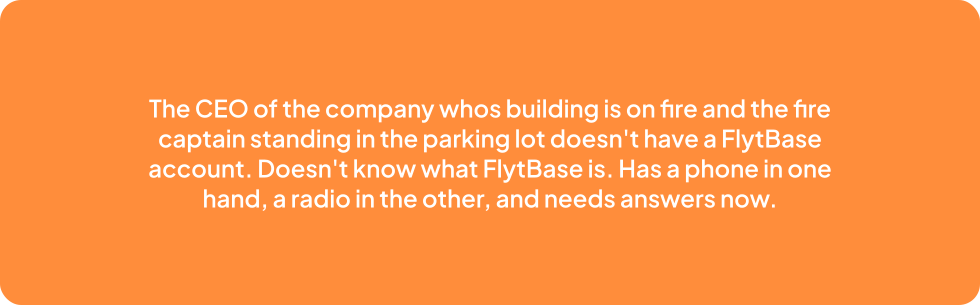
If it sounds like just a video-sharing feature, it isn't.
The brief was one line: let operators share live drone feeds with external guests during an incident.
Read it again. It sounds like a video call. The complexity revealed itself in layers — and each layer moved this from "a feature" to "a coordinated situation room."
Roles matter
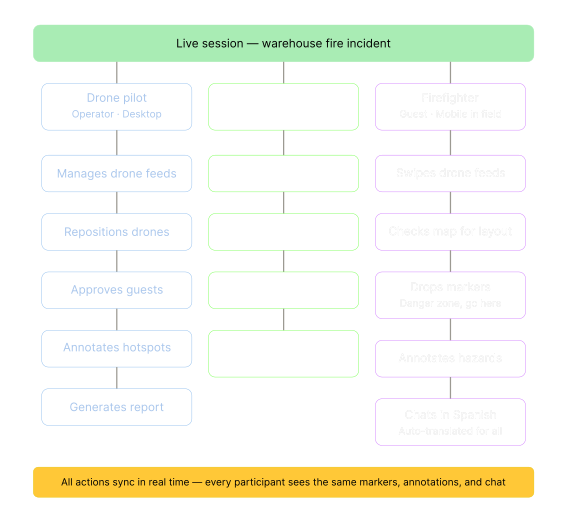
An operator needs full control. A guest needs to see and contribute. A viewer needs to observe only. These aren't permission tiers — they're fundamentally different experiences that deserve different screens.
Context matters
A person at a desk with dual monitors and gigabit ethernet has nothing in common with a person next to a fire, holding a phone with two bars of cellular.
Time matters
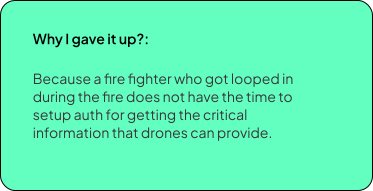
This isn't a scheduled meeting. Someone's building is on fire. No account creation, no onboarding, no training. Situational awareness now.
Language matters
Multi-agency teams — police, fire, military, civilian — may not share a common language. Especially since our security clients were pan-Europe. (This was requested by them.)
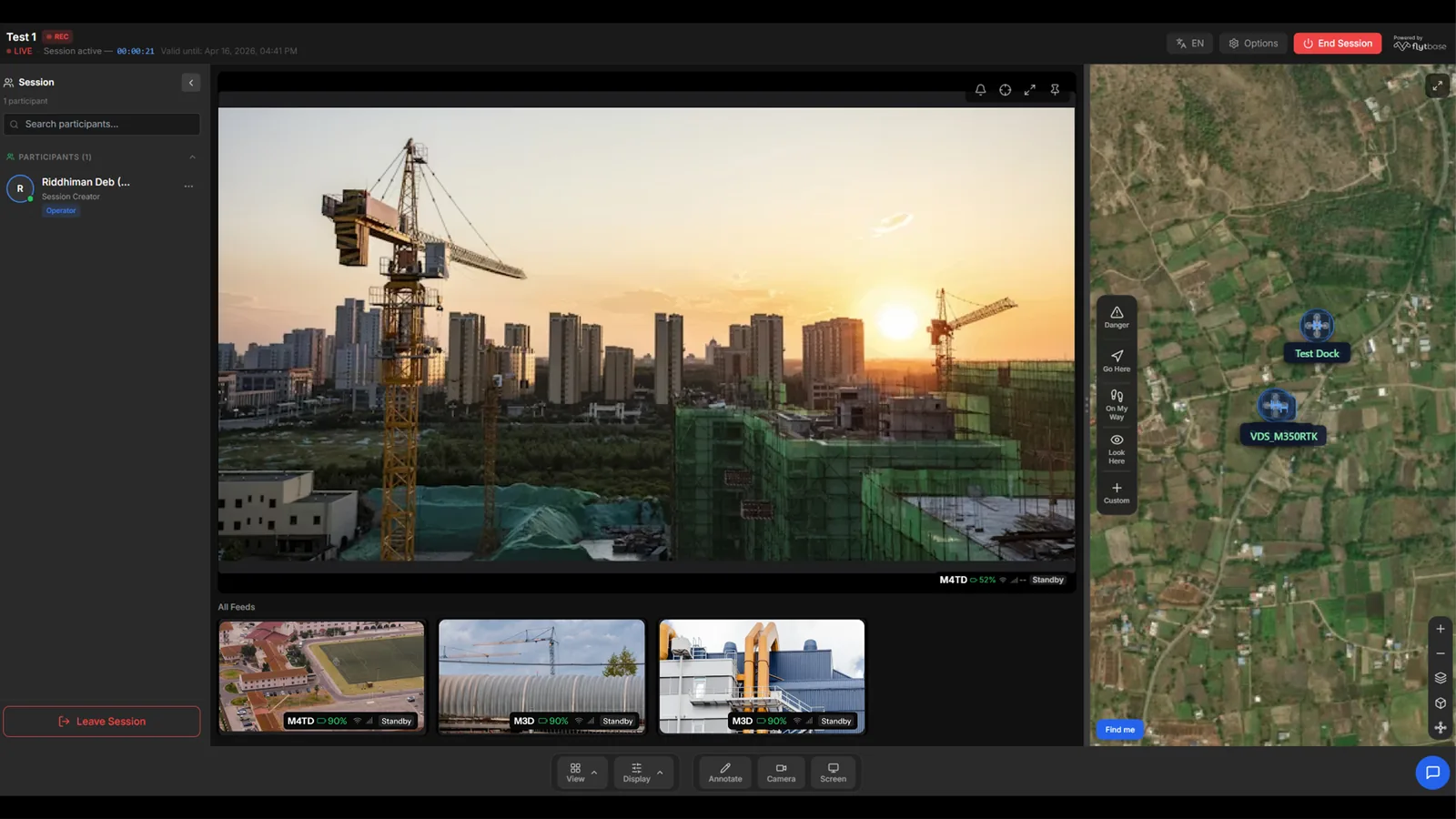
The vision for the final product had to be a single room per incident — sharing the same map, same feed and same annotations, synced across users.
Before designing anything new, I audited what already existed. This is basic UX hygiene, but it's also where the builder dimension starts adding value: I wasn't just auditing the interface, I was auditing the data.
The FlytBase dashboard already had drone fleet management, mission planning, and live video streaming. But these were designed for authenticated platform users, not ad-hoc external stakeholders.
The sharing model was account-based (you need a FlytBase account to see anything), the interface assumed domain expertise, and there was no concept of a temporary, role-restricted session.
The opportunity was clear: take the raw capabilities (video streaming, telemetry, fleet data) and wrap them in an experience designed for people who don't know what any of those things are.
Then I had to start building the code architecture.
How would the drone feed work? Where does it come from?
The current Agora Stream (3rd party streaming service) API of flytbase only allows RTSP stream links to come for 1 drone, the API would not give one sharing link for multiple drone streams and even on ground cameras.
After discussing options with Claude the conclusion was to use a Supabase edge function that bundles each individual drone video feed's links into one container link that could be shared to my product's endpoint and we have multi-drone feed share figured out.
How would a live chat box work? With 7 to 11 language support?
Company denied purchasing a translation model API for this as the whole point of building this is to test if the market would pay for this product. So I had to figure out a free alternative that would work.
After exploring a few approaches with Claude, we landed on a Supabase Edge Function that handles translation server-side. Messages are stored once in the language they're written in and translated at read time, meaning every participant sees the conversation in their own language without creating duplicate copies.
And similarly every other moving piece in this product needed a plan.
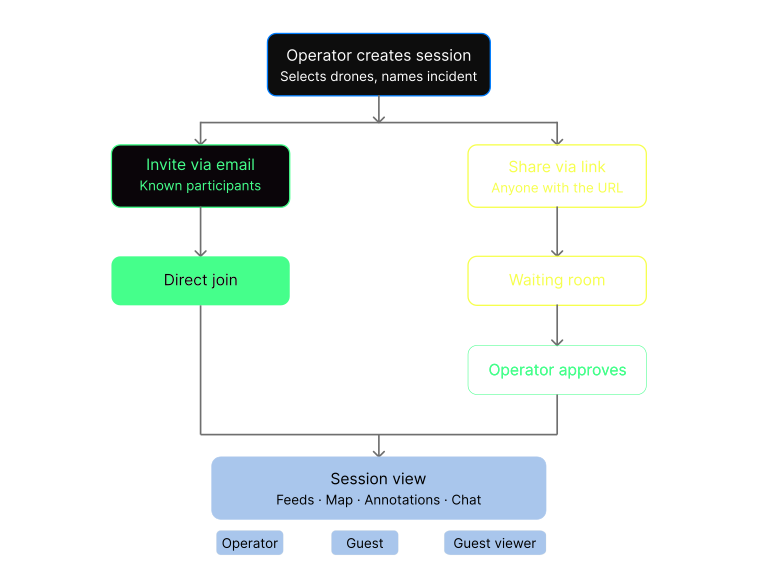
Once the API specs, tech architecture and data points were fixed, I started crafting the user flow of the webapp.
How I Got AI to Follow Our Design System
When you use AI build tools to write code, the AI is eager to please. Too eager. Ask it to build a dashboard and it will produce something that looks fine generic Tailwind defaults, reasonable spacing, acceptable typography. It looks like software. It doesn't look like your software.
The first time I pointed Claude Code at a Live Incident Response screen and said "build this," it came back with its own interpretation of a drone operations interface. Random blues, default border-radius values, spacing that felt approximately right but matched nothing in the FlytBase design system. The telemetry overlay used a font stack the AI picked from its training data. The buttons had shadows that don't exist anywhere in FlytBase's component library.
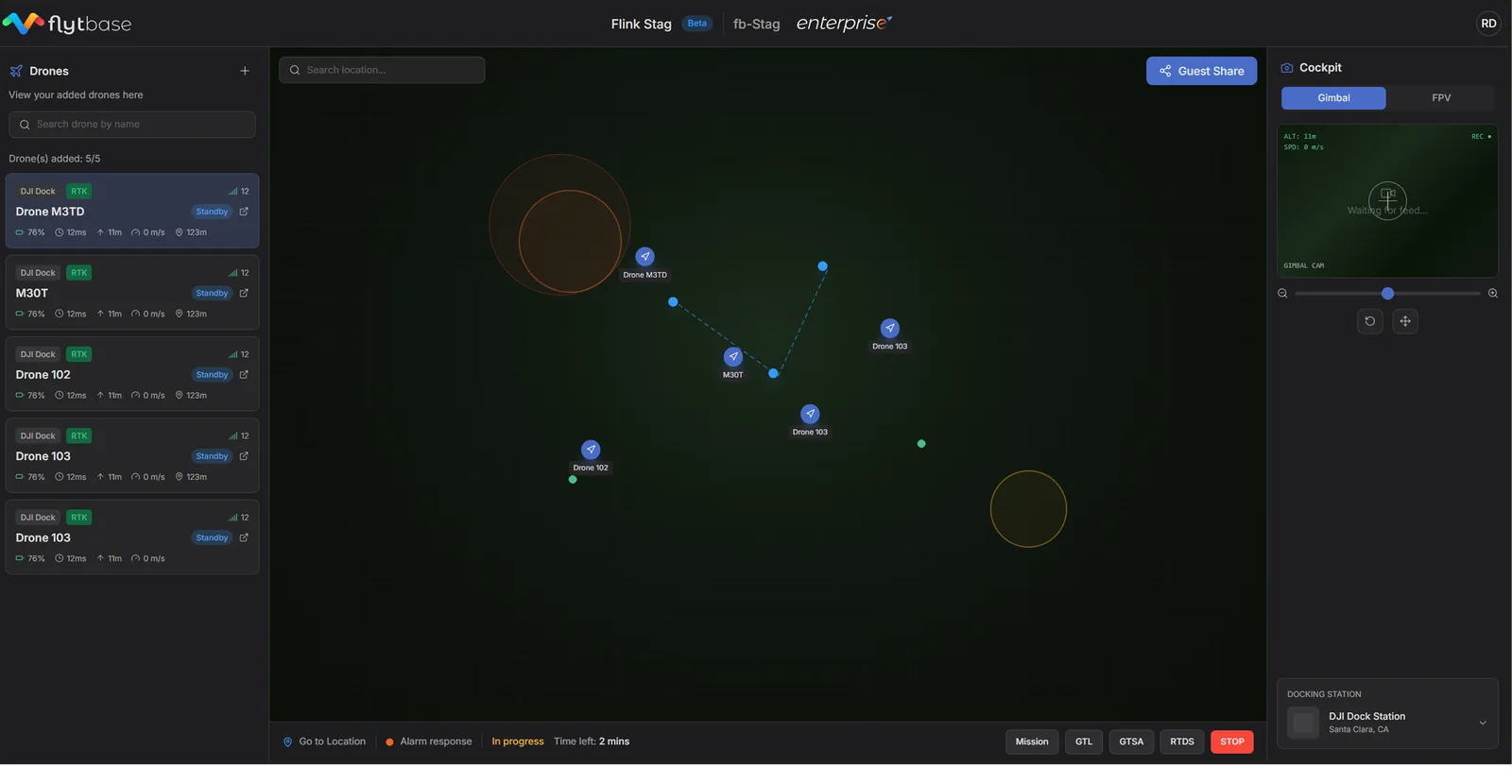
fig. after and before first prompt and final shipped screen
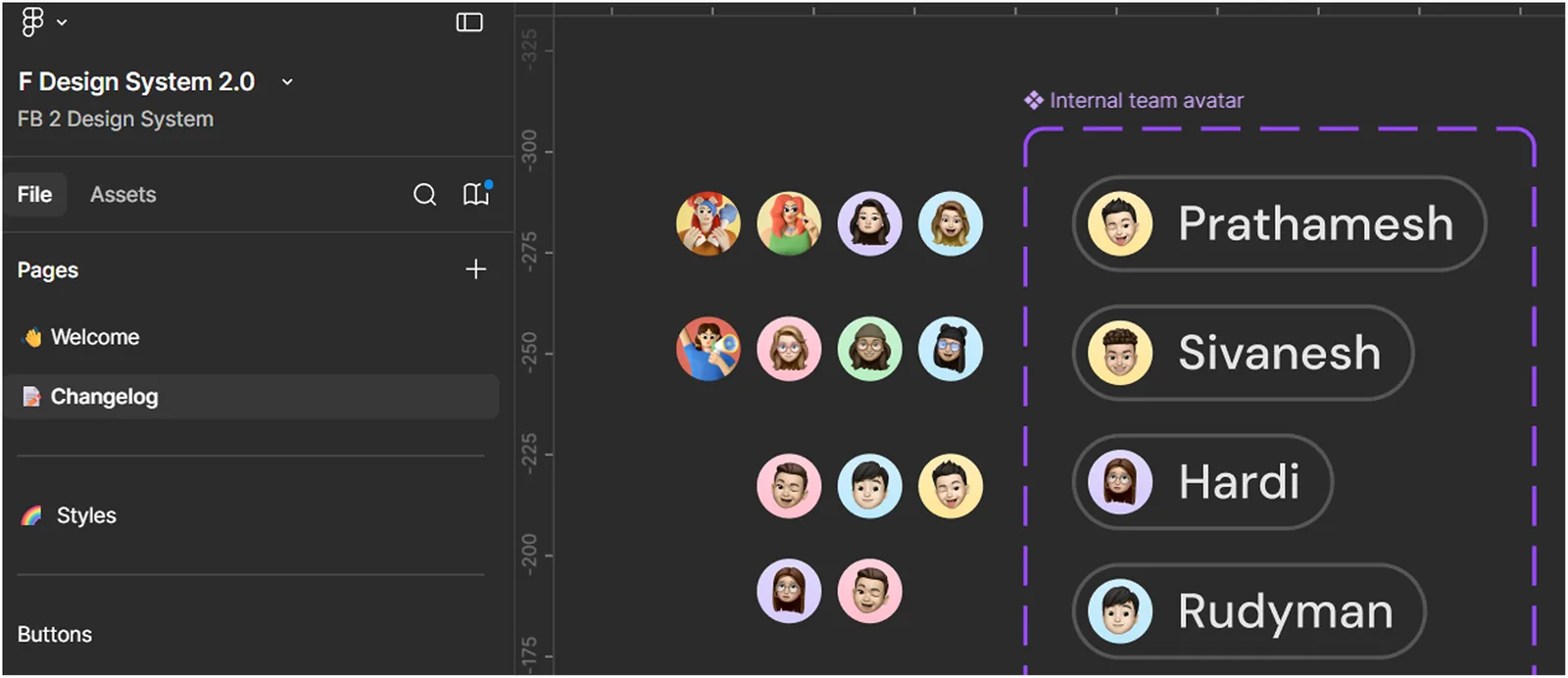
Design.md from the figma MCP
The FlytBase F design system lives in Figma colors, typography, spacing, icons, component patterns.
The AI tools I was building with don't open Figma files. They write Tailwind classes and React components. The design system needed to cross that gap without losing fidelity.
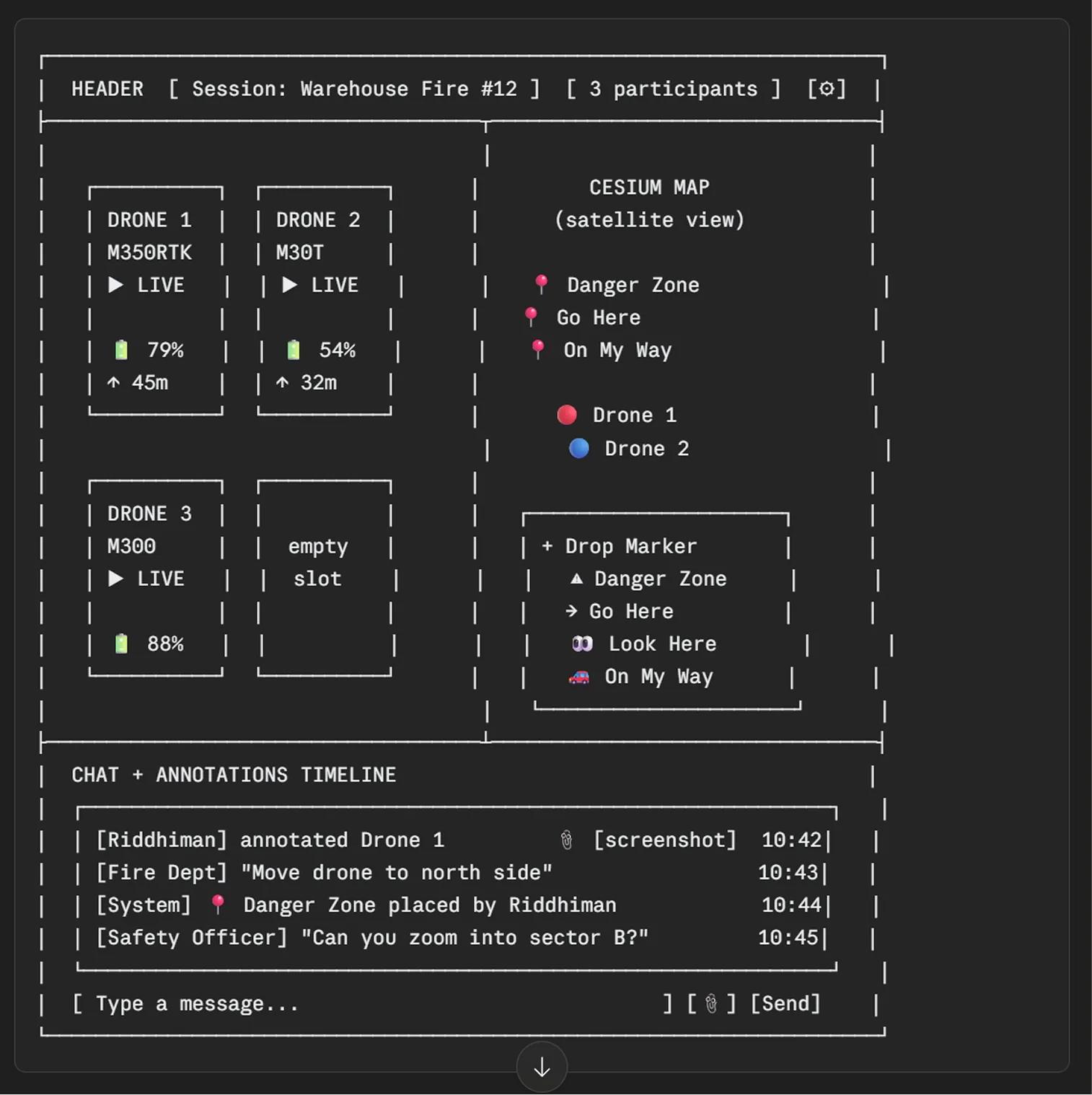
ASCII layout planning with claude
Confused?
I was too, but while planning with an AI tool its important to understand structure in a language both you and the LLM understands.
What This Achieved
Every AI-generated component on Live Incident Response follows the F design system. The colors match. The typography matches. The icons are the same library. Put LIR next to the core FlytBase dashboard and they look like they came from the same team because they follow the same rules. The design system survived the build because it was written in the AI's language before the first component was generated.
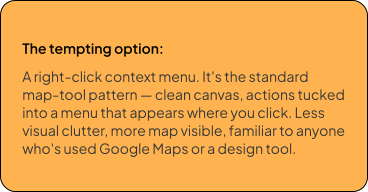
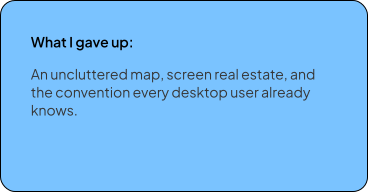
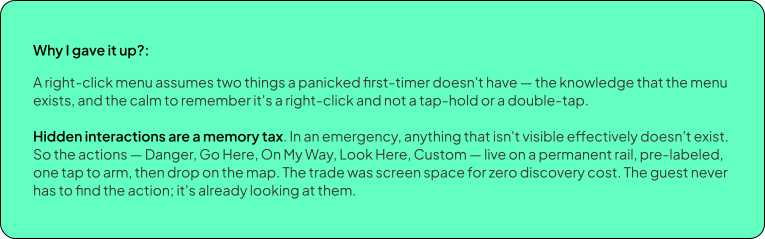
Each of these looked like a shortcut on paper. Each one traded the cheap, familiar option for the one a panicked first-timer could actually use.
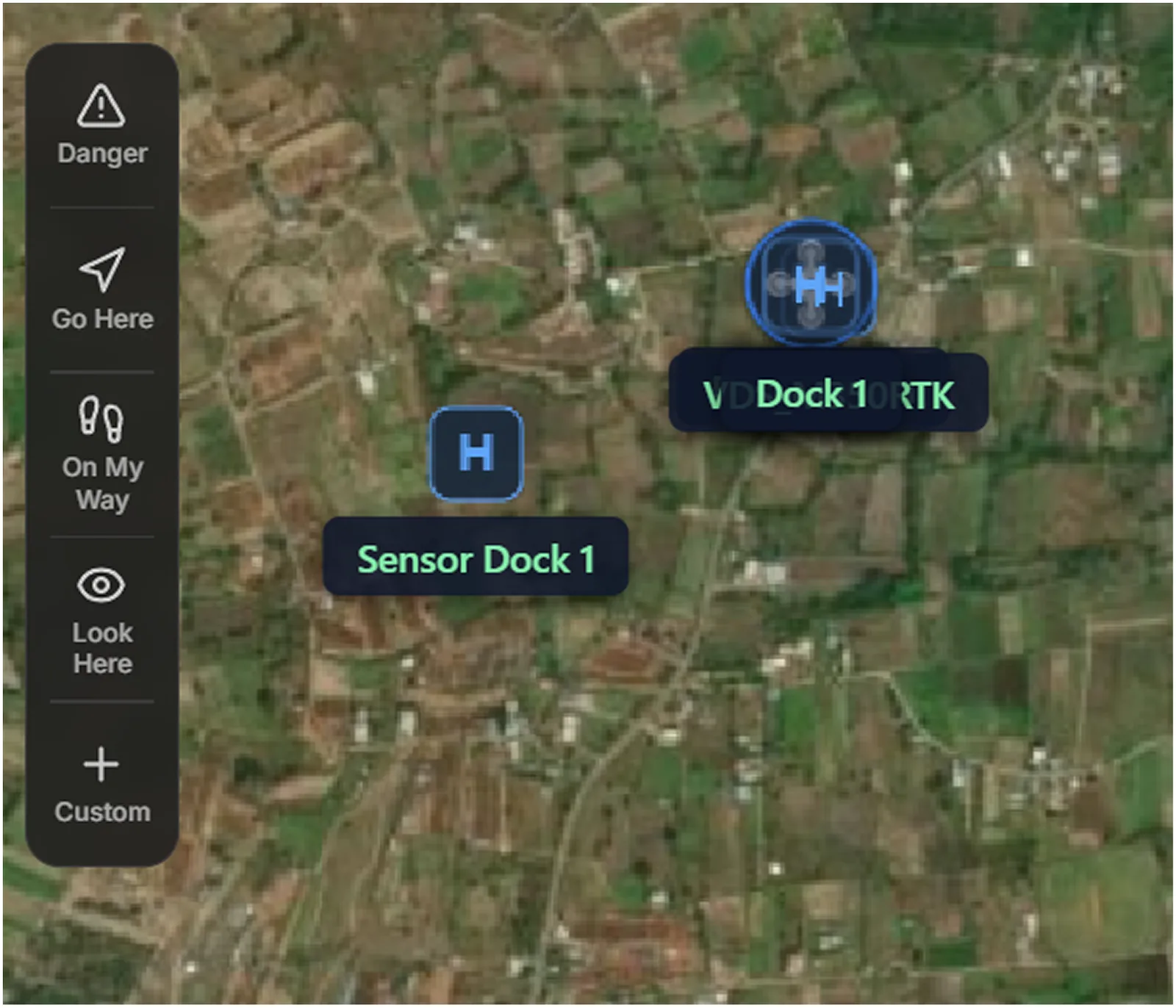
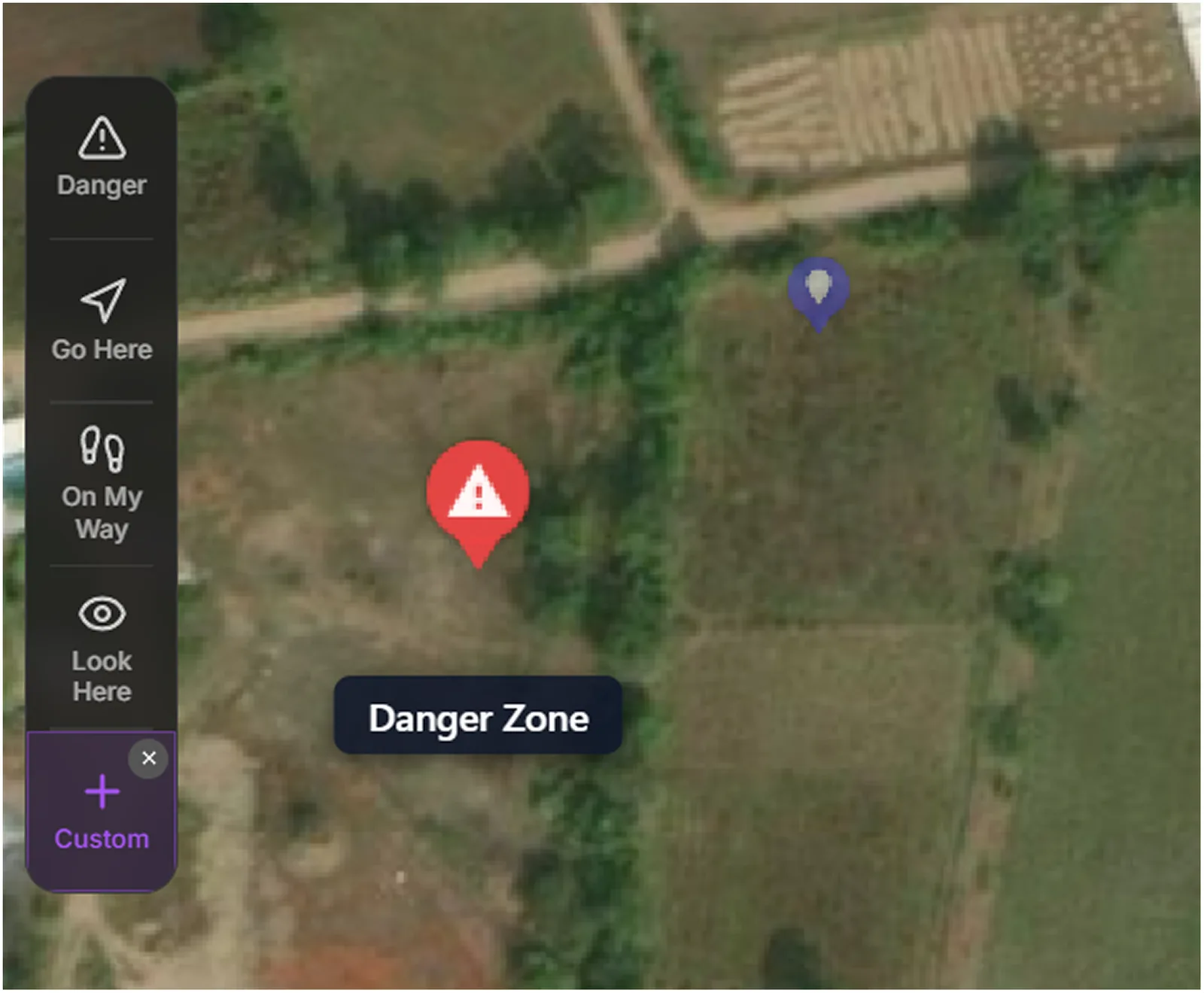
01 Every map action is on the surface. Nothing hides behind a right-click.
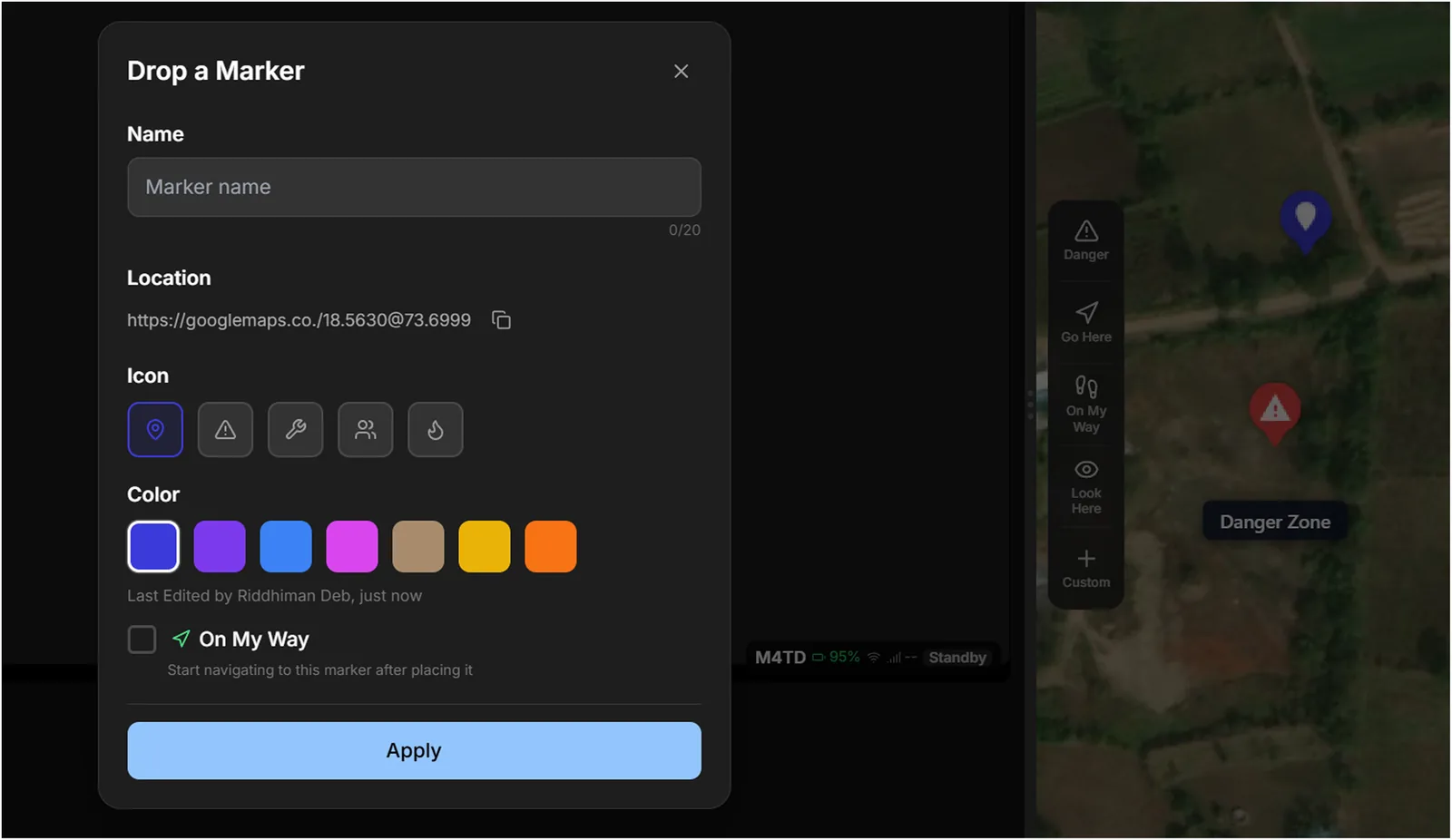
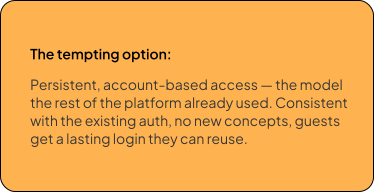
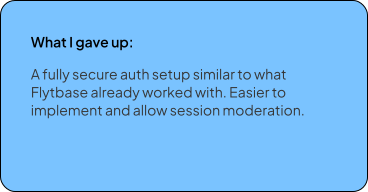
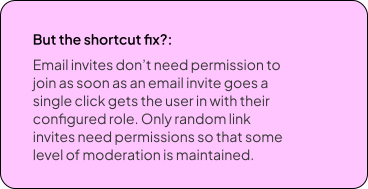
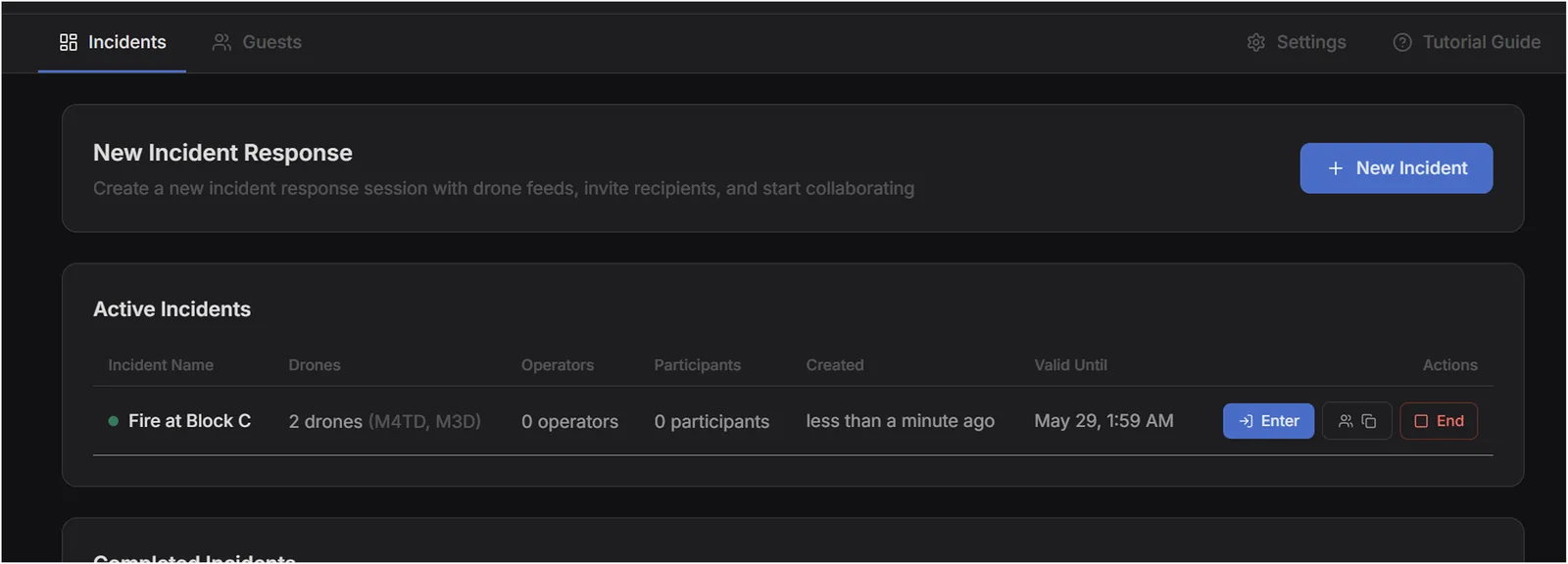
02 Session-based with invites and open links.
03 Mobile version is a different persona.
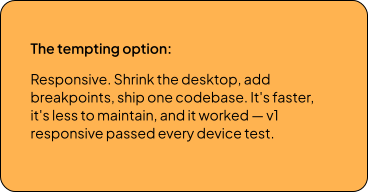
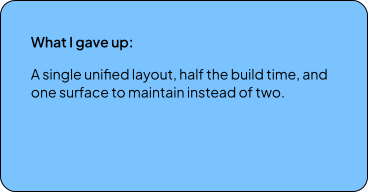
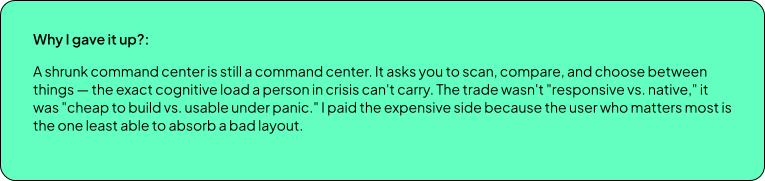

Mobile is a different product, not a smaller one.
Mobile is going to be used by people on ground during the emergency.
They don’t need everything simultaneously. They need one thing at a time, done well. This led to a state-machine architecture: Feed Mode, Map Mode, Annotation Mode, Chat Mode, Landscape Mode. Each mode owns the full screen and is optimized for its specific task.
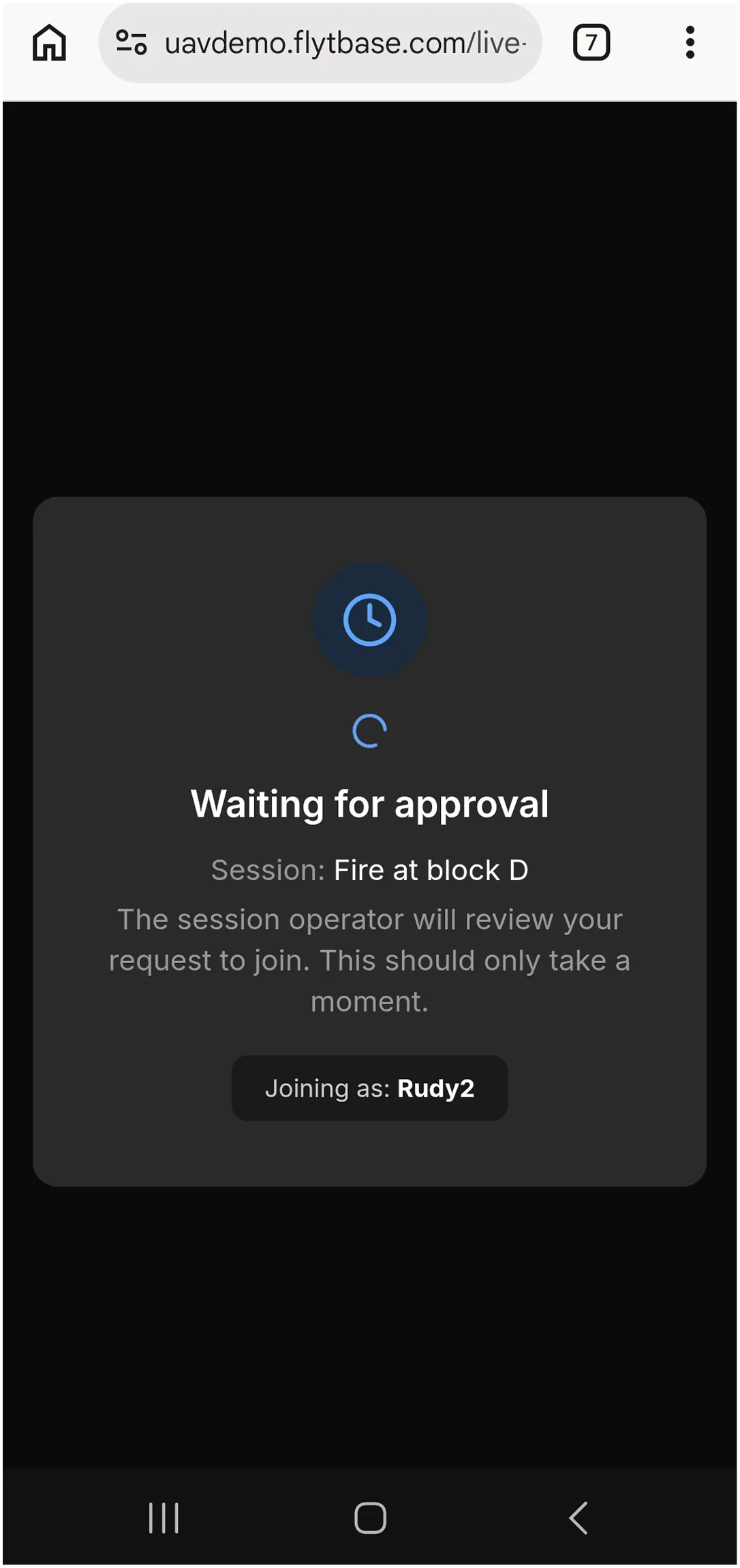
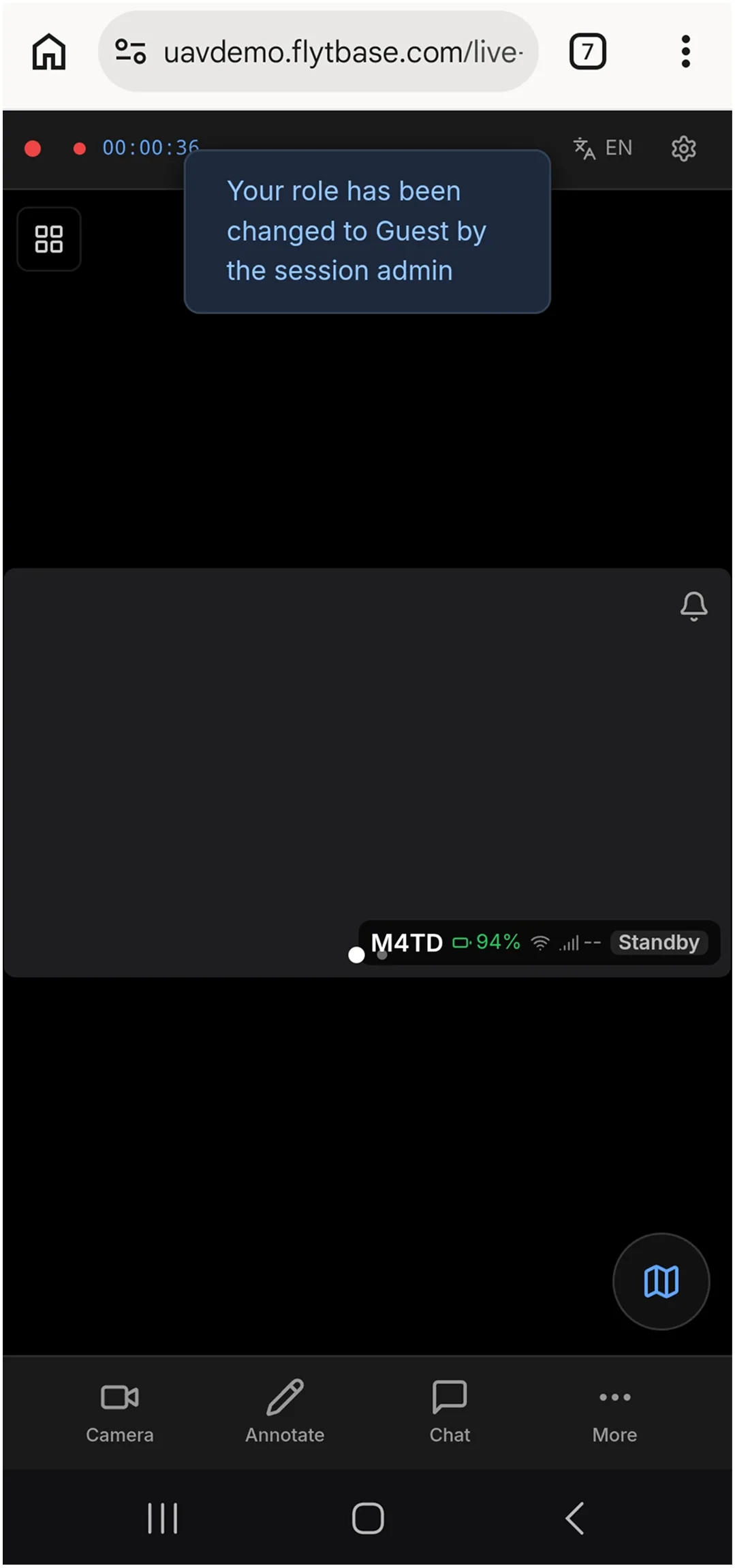
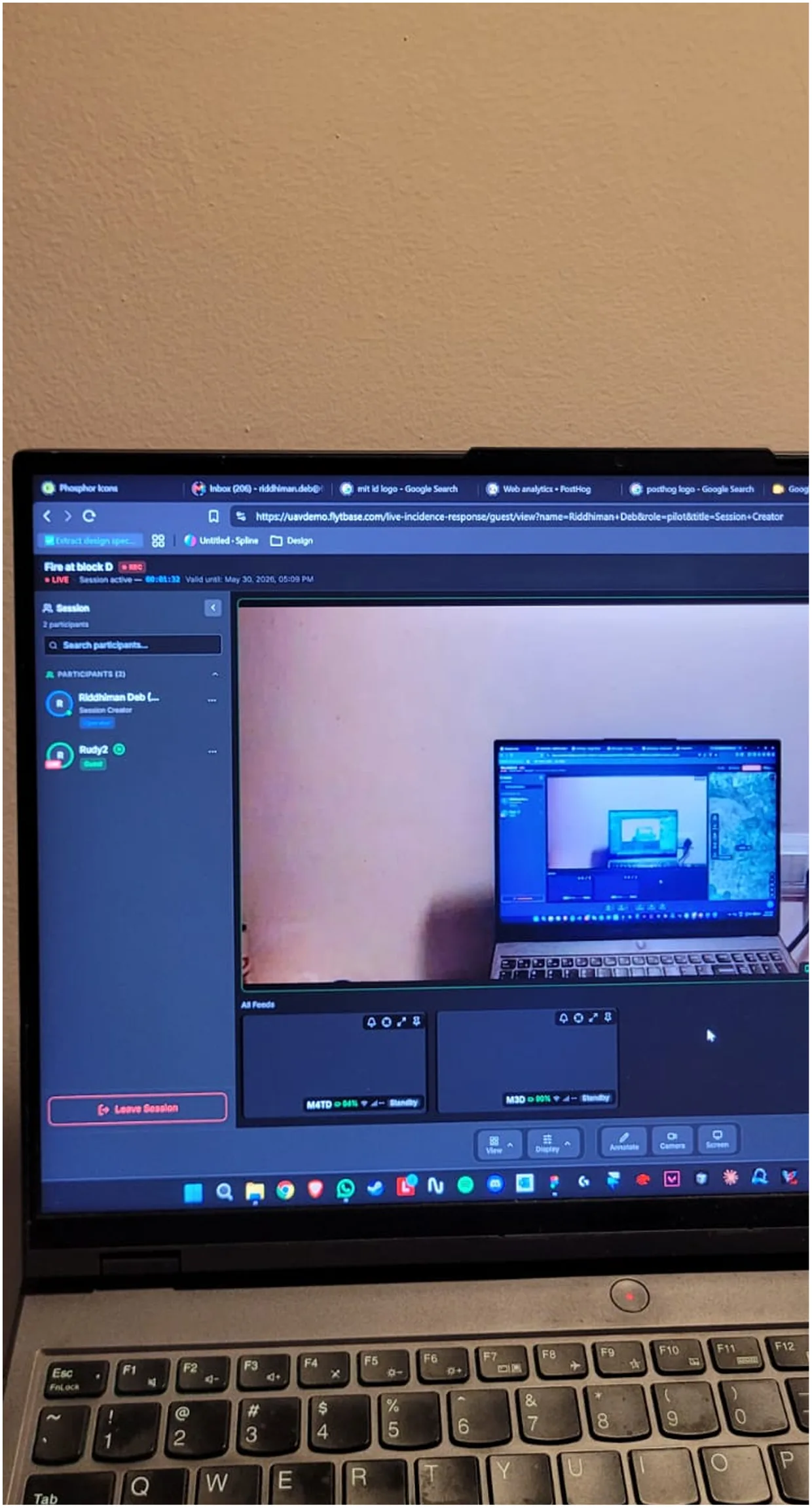
Annotate on the live feed → freeze the frame → drop it in chat.
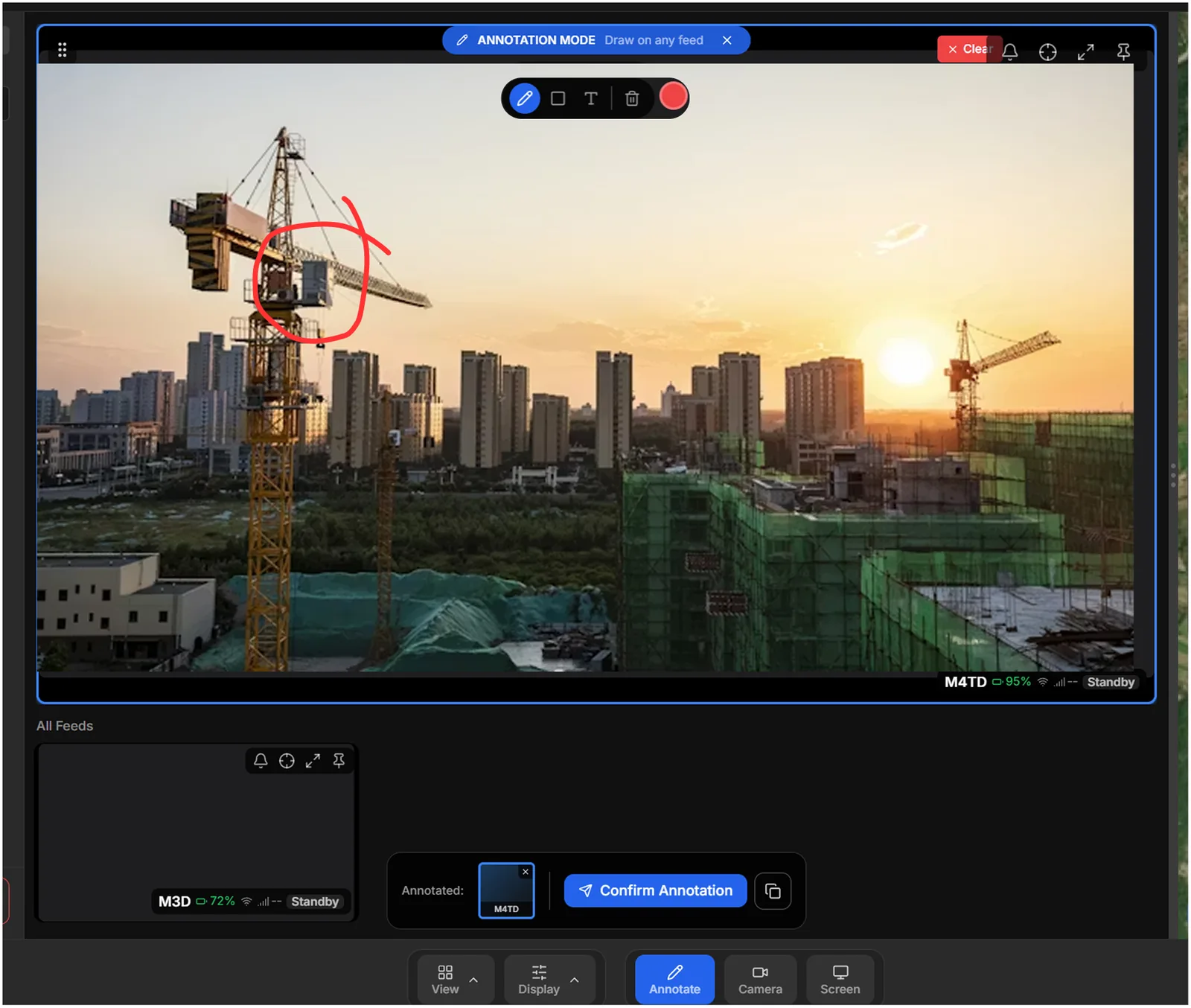
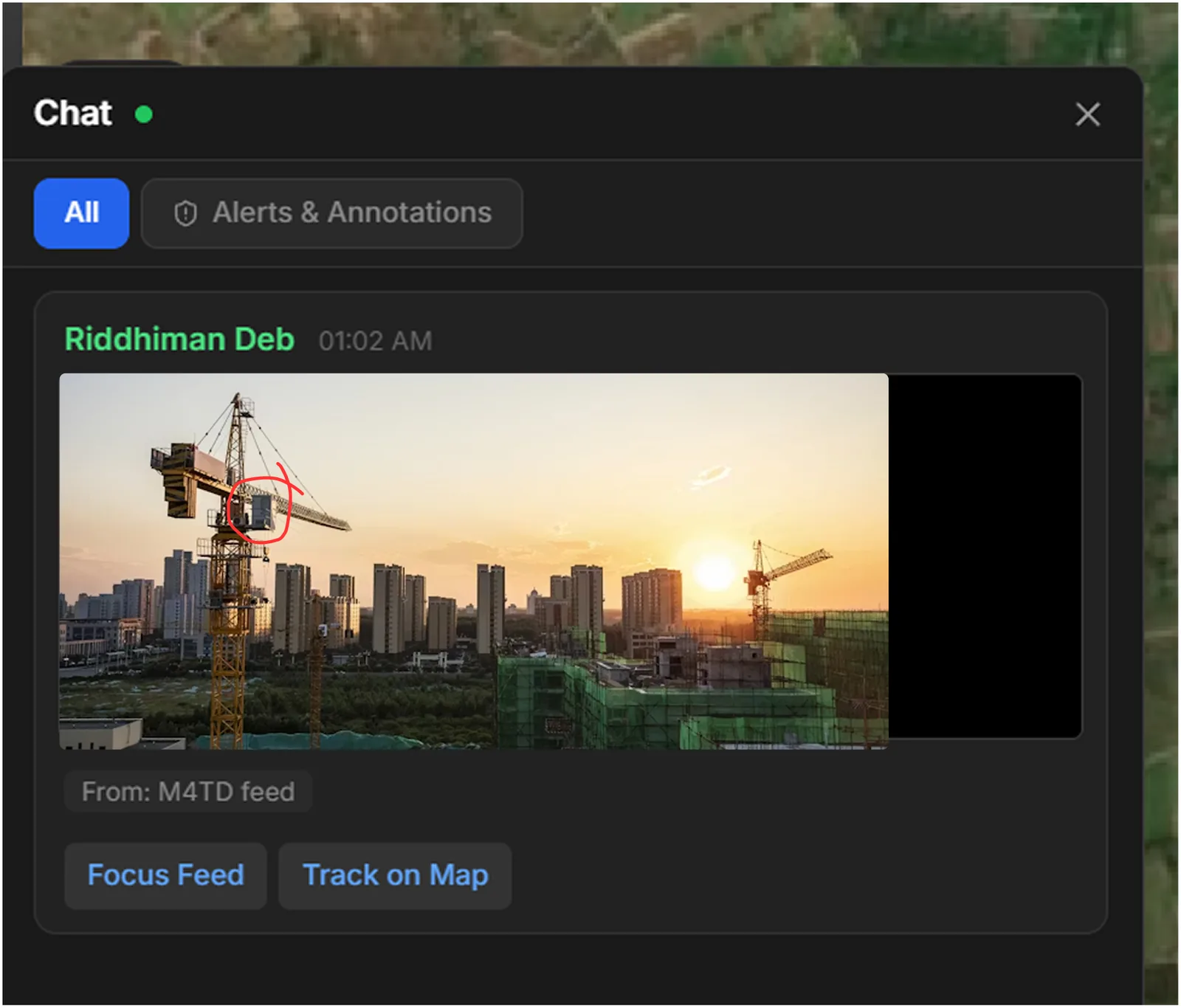
Live video feed collaboration
A collaborator draws directly on a moving video feed — circles the crane, marks the hazard. The instant they finish, the system captures that exact frame with the drawing burned in and posts it to the chat as a card: the annotated still, which feed it came from, and two actions — Focus Feed, Track on Map.
The feed is live, so the thing you're pointing at is gone a second later. A raw annotation on moving video points at nothing. Freezing the frame at the moment of annotation turns a fleeting gesture into a shared, permanent reference — everyone sees the same still, tied to the same feed, and can jump to it. The annotation stops being “look, over there, now” and becomes a record anyone can act on ten seconds or ten minutes later.
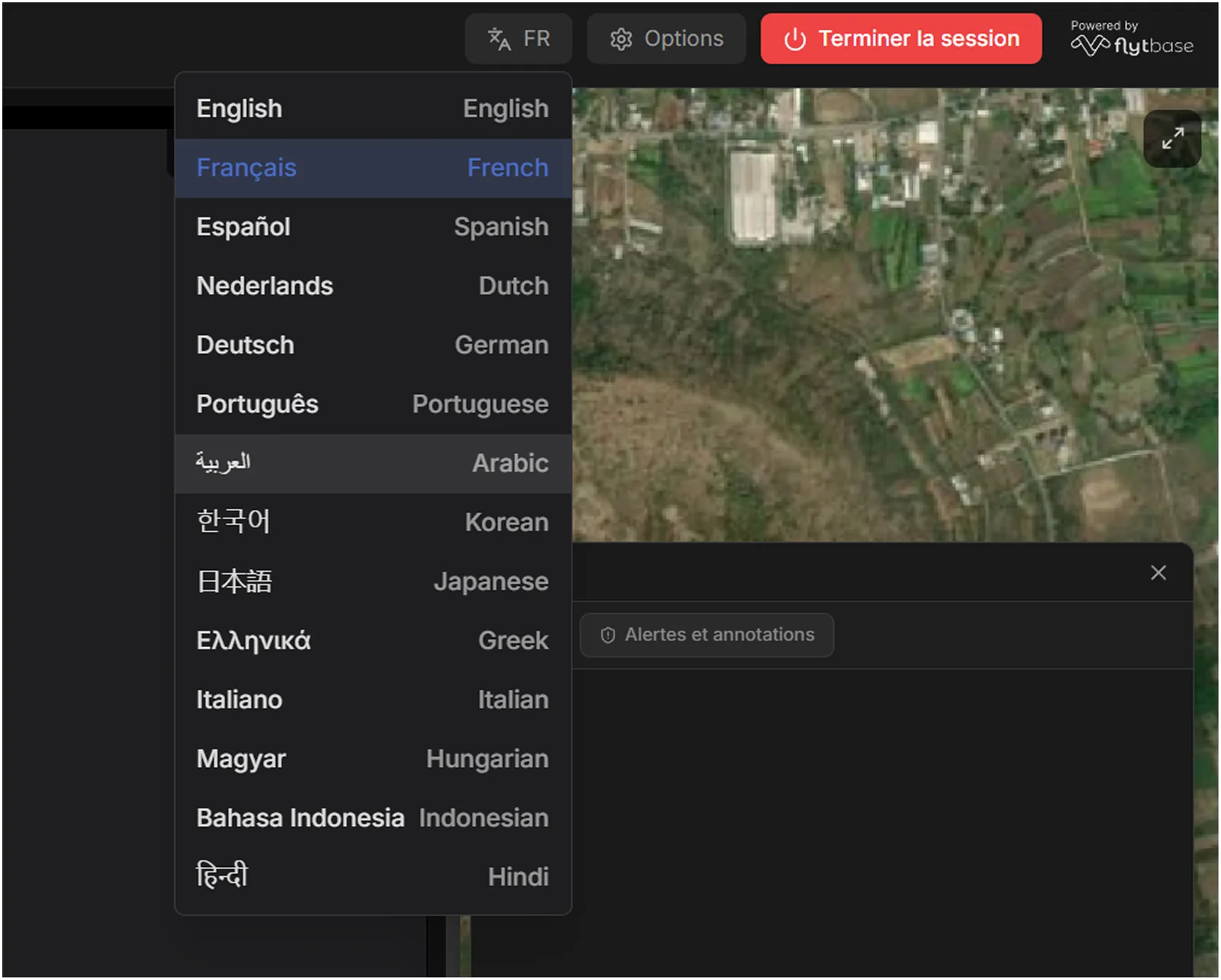
Translation on read, not on send — everyone talks in their own language.
Constraint
No budget for a paid translation API or per-message LLM inference — either would meter every message in a session, and incidents are chatty. So I wrote a Supabase Edge Function that translates server-side through a free endpoint, and built the production logic a raw API call doesn't give you.
Names are tokenized out so "Rudy" survives intact, ops abbreviations (ETA, GPS, SITREP) are preserved instead of mangled, @mentions are excluded, and every result is cached per message:language so scrolling never re-translates. Select French, and every message in the session arrives in French — no matter what language it was typed in. The sender writes in theirs, you read in yours, and neither of you does anything.
Session creation with team and pre-defined collaborator invite option
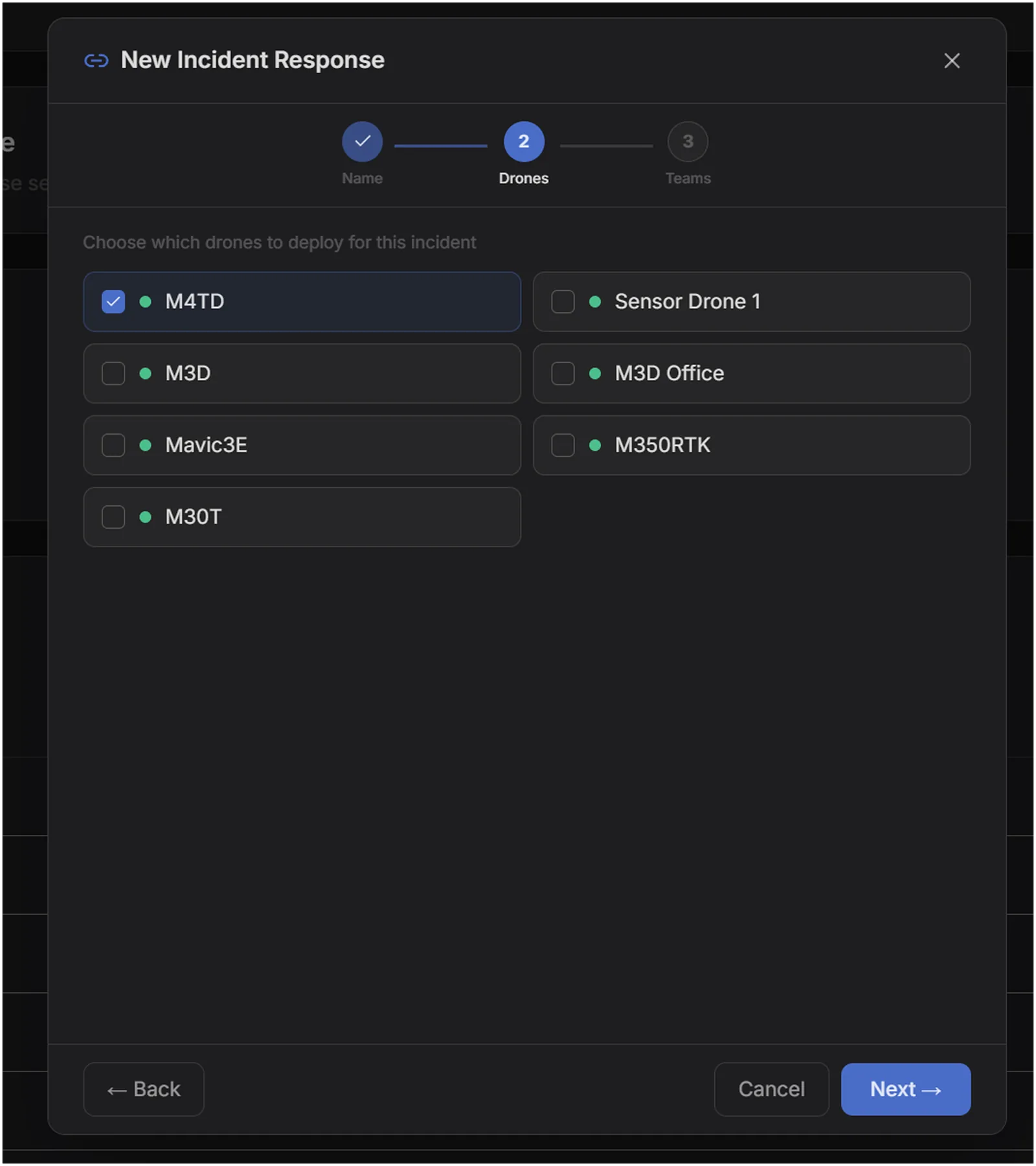
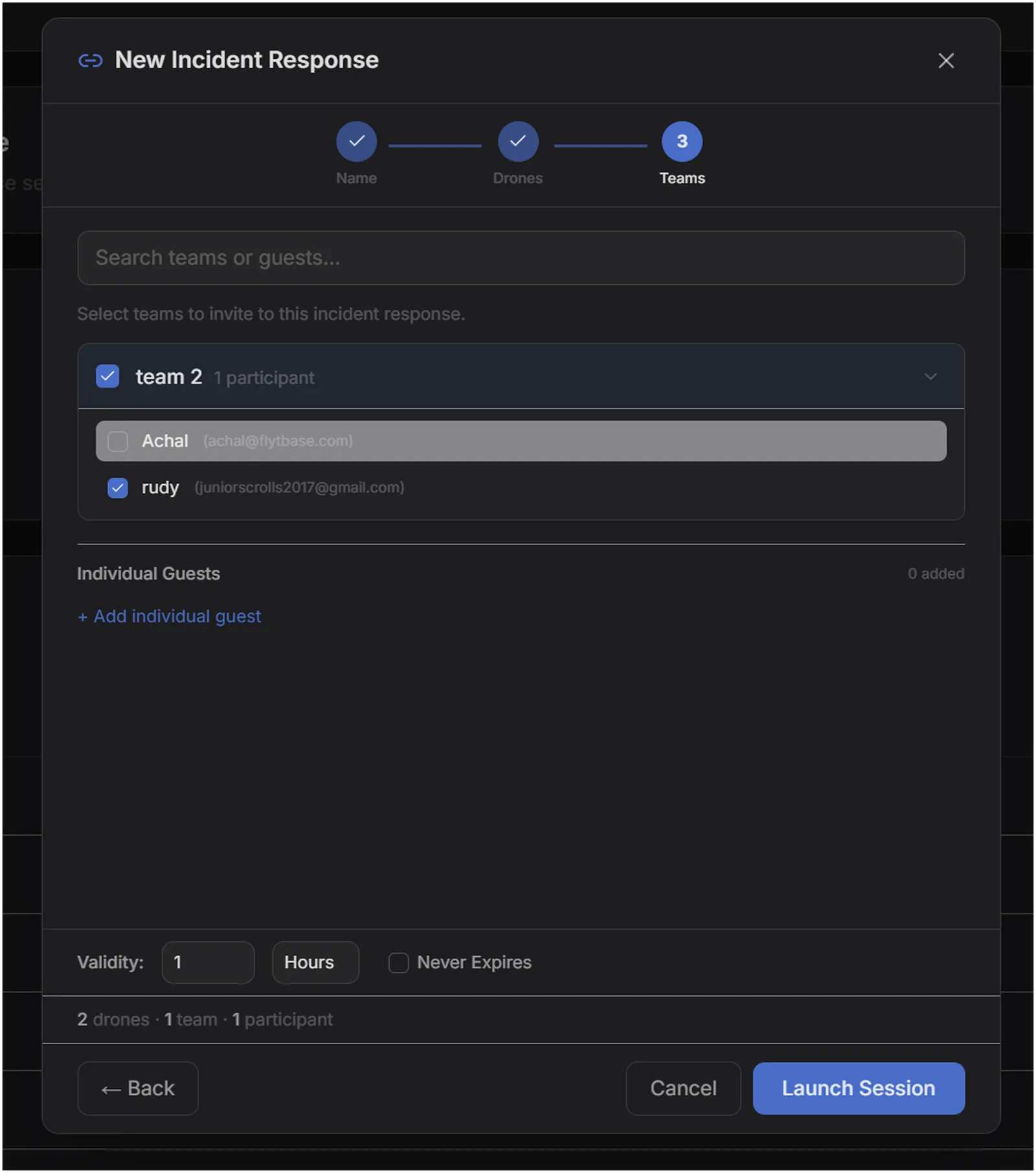
Session creation is a 2 click process for operators
Select the drones, name the incident — the room is created. Two clicks and the operator is live.
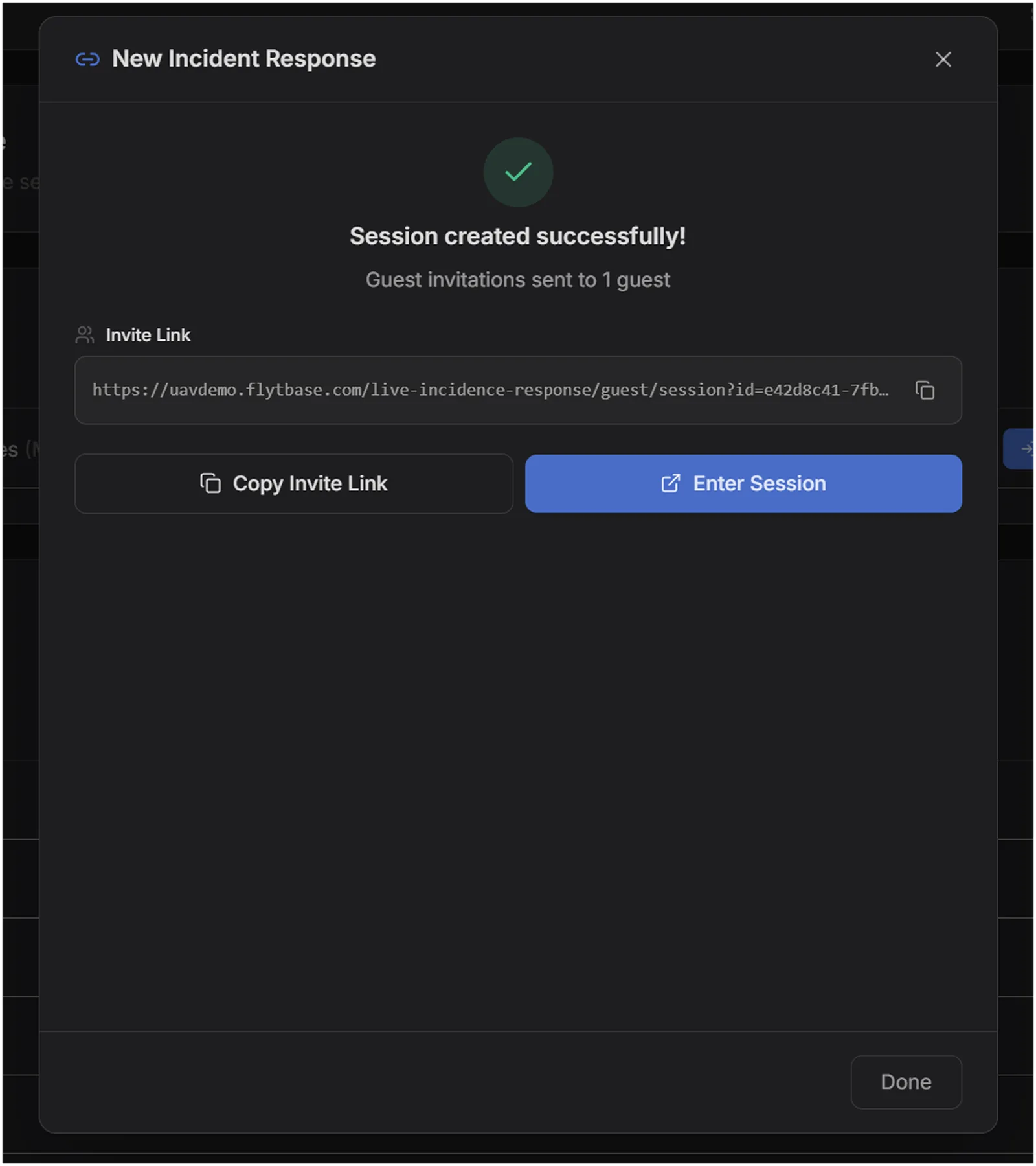
Session creation also lets you mass invite
Pull in a pre-defined set of collaborators in one pass so the room is populated the moment it opens — no chasing people one invite at a time.
I used PostHog to track usage and user data across my webapp.
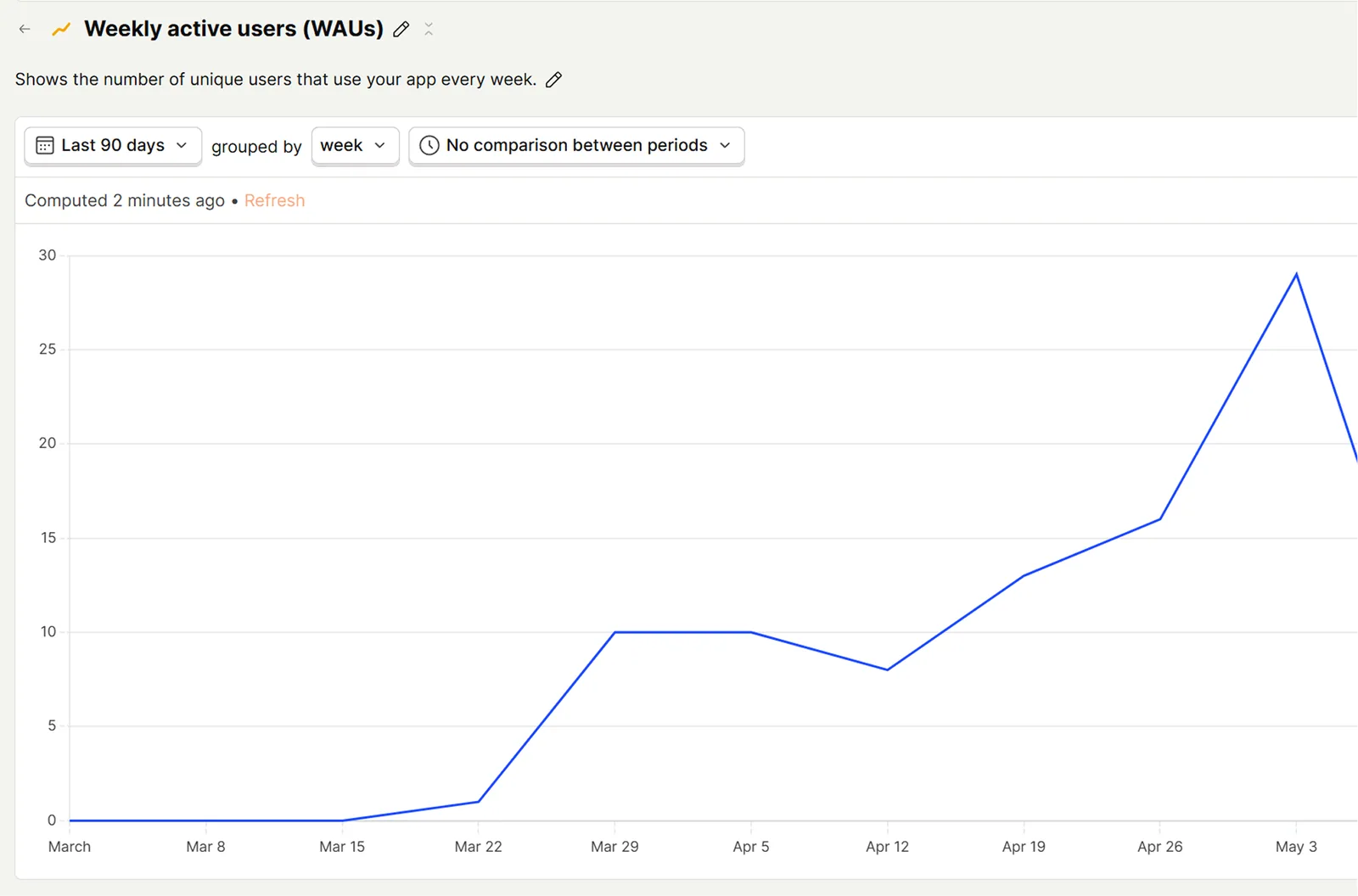
Ensuring a steady flow of users helped me pinpoint scaling issues and potential drop-offs by watching their in-app walkthroughs recorded via PostHog.
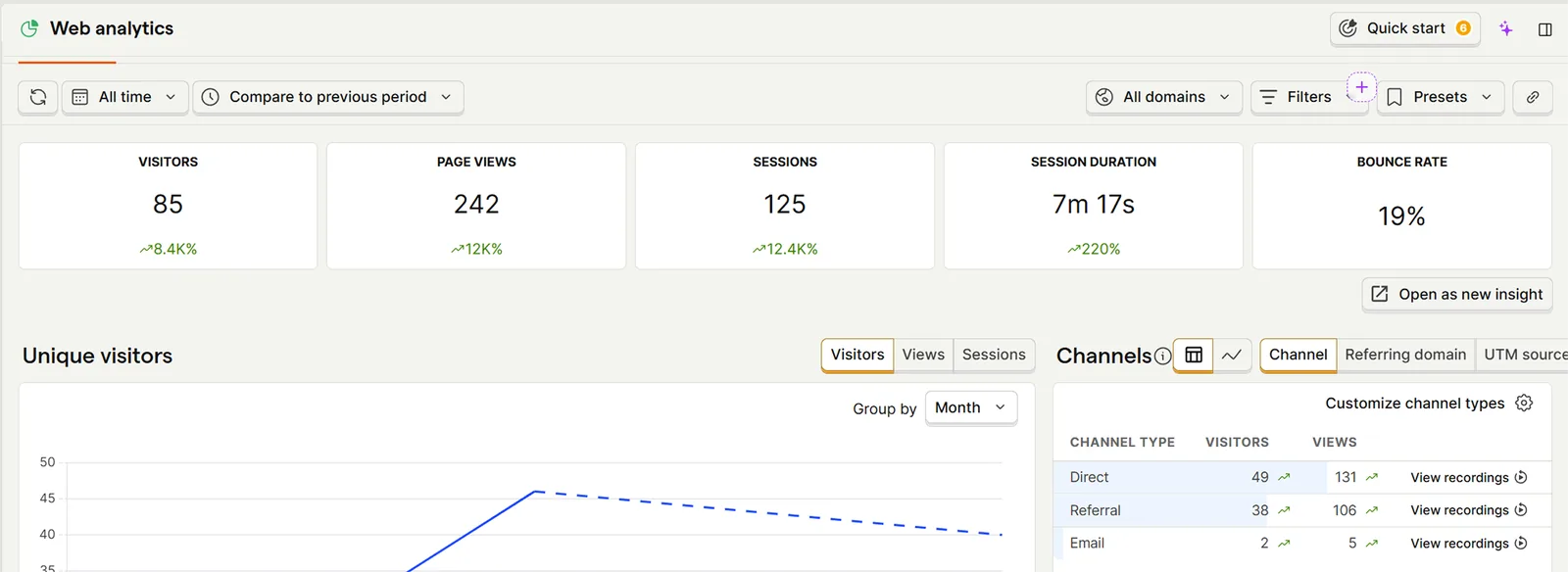
Showing steady growth of the product as releases and updates kept happening.
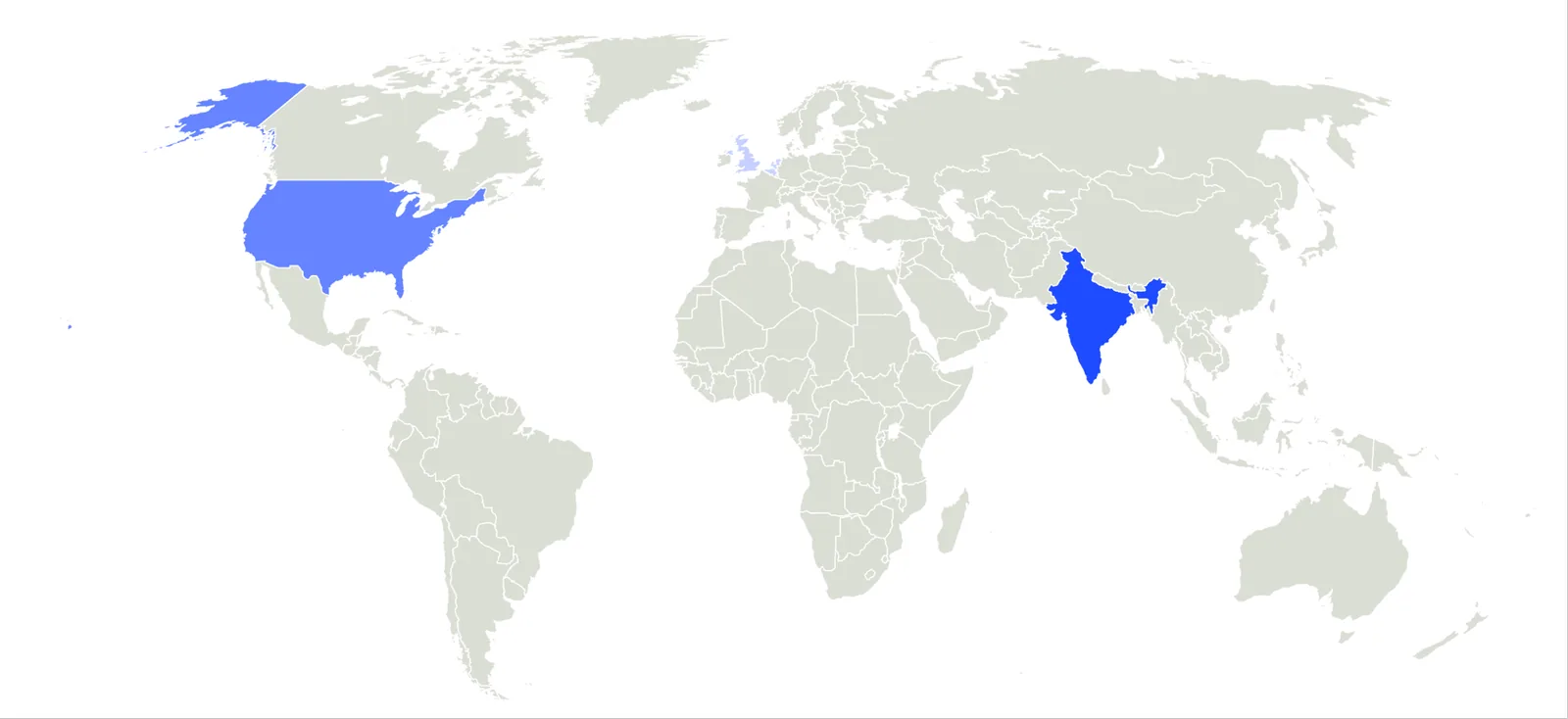
As a solo designer I shipped an entire web app that security teams across the globe use and find value in.